
- Log out of GC on both terminal and Laptop (if applicable).
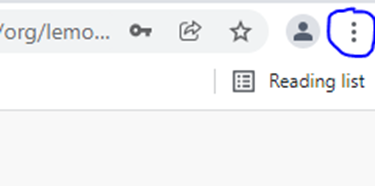
- Click the three dots on the top right hand corner of the page on google chrome.
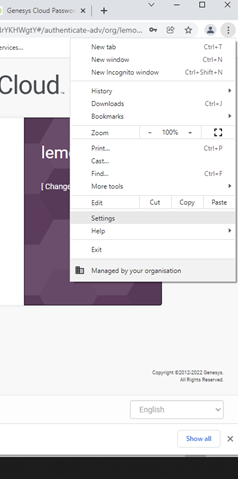
- Then settings.
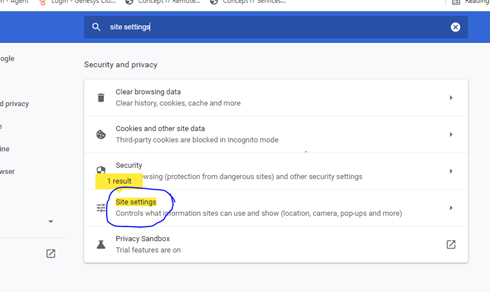
- Type in the search box “site settings”.
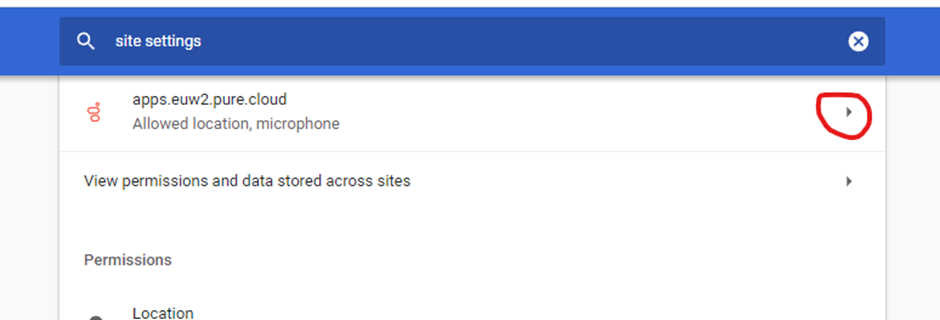
- Click on apps.euw2.pure.cloud
- Click on reset permissions.
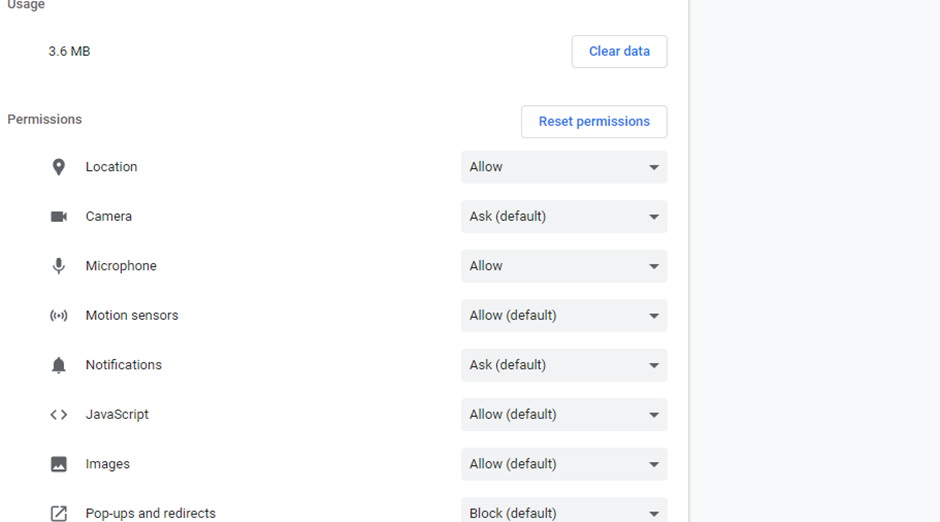
- Now when you log into GC it should ask you for microphone access and you would click on Allow.