
This guide will talk you through the steps to reset your Genesys Cloud password.
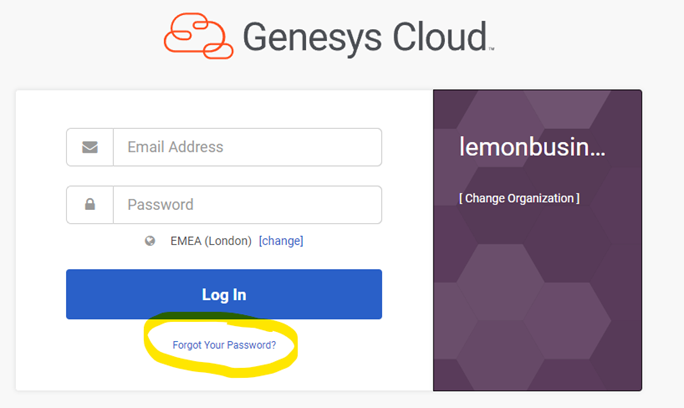
- On the GC login page, select “Forgot Your Password
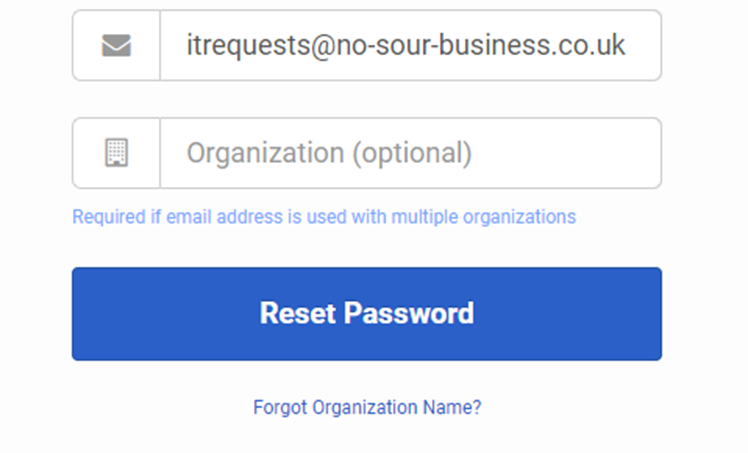
2.Enter your email address and select Reset Password
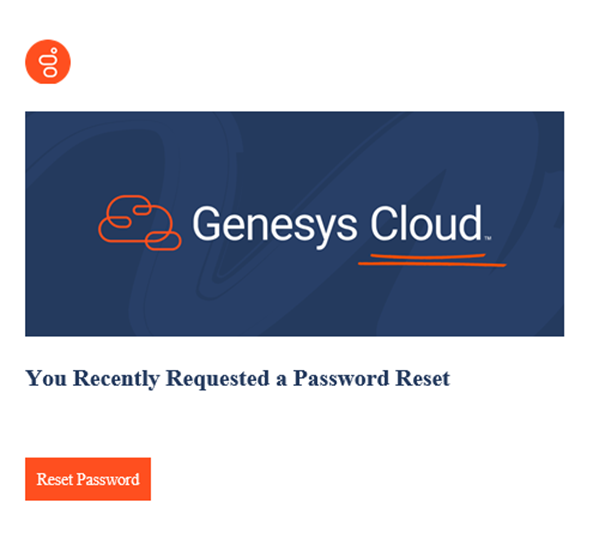
- After a minute, you should receive an email from no-reply@euw2.pure.cloud with a link inside. Click on the link to open up the reset password page.
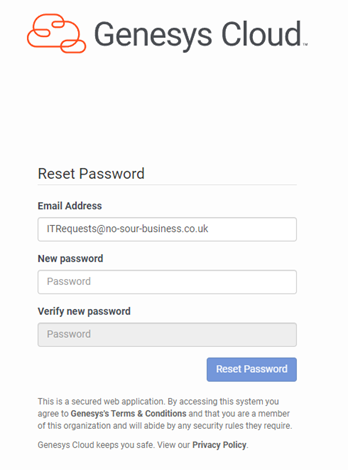
- Enter your new password twice and select reset password
- You should now be redirected to the login page. Please note that if you have saved your password in Google, it may not automatically update so you must type in your new password when first logging into Genesys.
Please Note: if you have locked your account for 5 minutes then you will still be able to reset your Password, however you must wait for the 5 minutes before trying to log in again.