
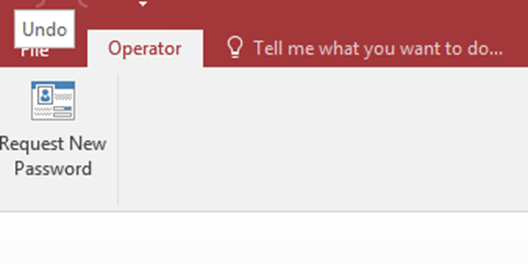
- At the top corner of the Call Log. Select Operator and Request New Password
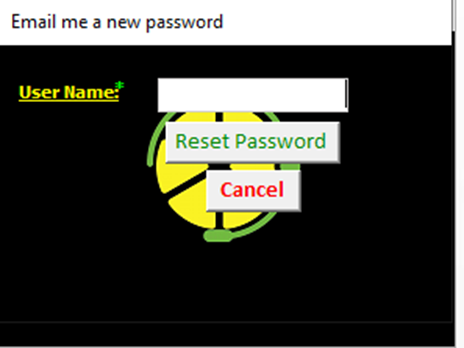
- Enter your Call Log username (ie. JRaine)
- After a couple of minutes you will receive an email like the following which includes your new temporary password.
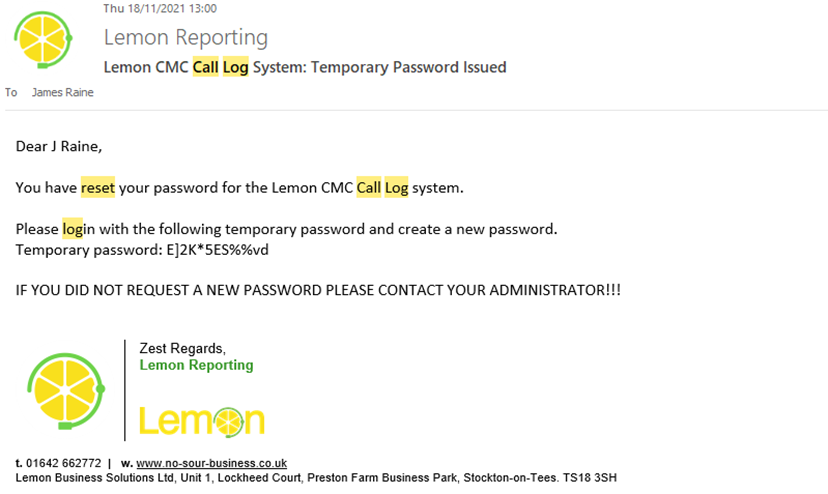
- Now log into the Call Log using the Temporary password. It is easier to copy and paste the password from the email but be careful to only take the characters of the password. For example for the password in the above email, I will copy from the capital E to the lower case d.
- Follow the instructions to create a new password in the Call Log. Once submitted, the call log will close and you must reopen it and log in with your new details.